
Search and review apps
Find apps and request removal through Android’s confirmation screen.
Lifestyle
Find and review installed Android apps, with new tools in internal testing.
Version 1.7 and the screens shown here are in Google Play internal testing. The public Play listing may offer an older version with different features.
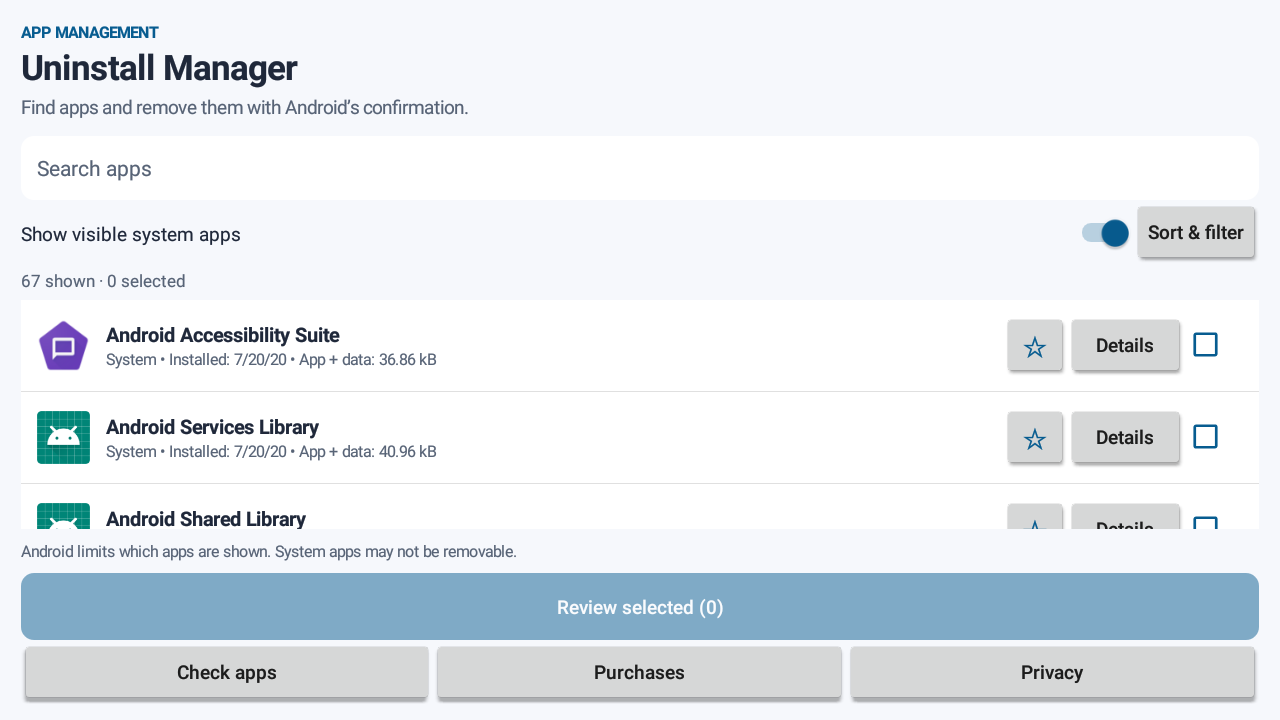
Swipe through the app. Tap a screen to explore.
Uninstall Manager helps you find installed apps and request their removal through Android. Version 1.7, currently in internal testing, adds favourites, app details, storage and install-date sorting, and a check for listed problem packages. Android controls which apps are visible and removable.
Find apps and request removal through Android’s confirmation screen.
Sort visible apps by name, installation date, update date or app-and-data size; filter the list and mark favourites. Storage sizes require optional usage access and may be unavailable on some devices.
Compare visible package names with a maintained list, including XCPE-related indicators, and review a possible match. This is not a complete malware scan; no match does not mean a device is safe.
Review app information and use the light or dark appearance set on your device.
Share this page
Publisher: MR IU PING CHUNG
greenmob2014@gmail.com
The team behind this app
The same team helps Hong Kong organisations connect mobile experiences to existing systems and plan practical post-launch support.