
One-tap start
Launch a full FTP server instantly. No setup wizard, no sign-up, no root.
Lifestyle
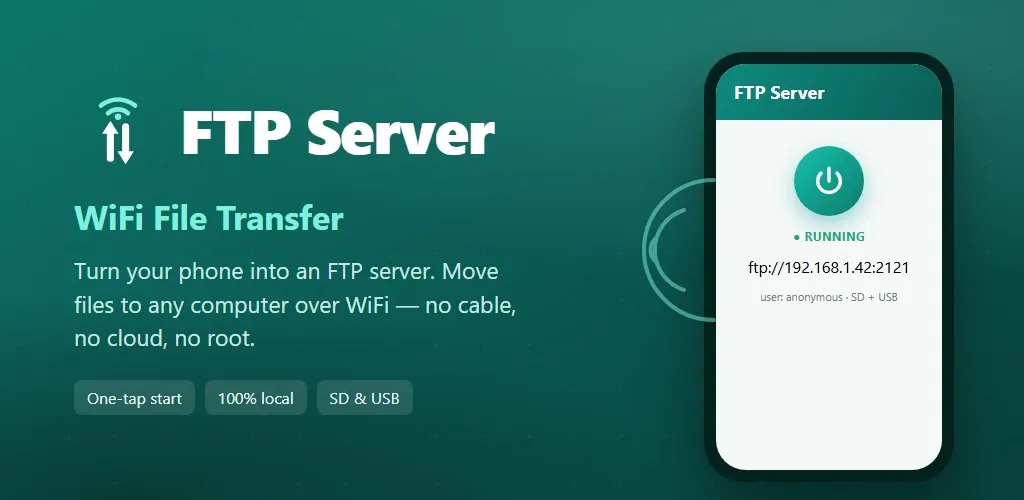
Turn your phone into an FTP server. Send files to PC over WiFi, no cable.
Swipe through the app. Tap a screen to explore.
Turn your Android phone or tablet into a WiFi FTP server in one tap. FTP Server lets you transfer files between your phone and your PC, Mac, or laptop over WiFi — no USB cable, no cloud account, and no internet required. Your files never leave your local network. Start the server, type the address it shows (for example ftp://192.168.1.42:2121) into FileZilla, Windows File Explorer, macOS Finder or any FTP client, and your phone opens on your computer like a folder. Copy photos, videos, music, documents and backups both ways at full WiFi speed. Password-protected or anonymous access, custom port and home folder, full access to internal storage, SD card and USB-OTG on Android 11–15, and reliable background transfers while the screen is off. No trackers, no ads mid-transfer, no hidden data collection. Android only.
Launch a full FTP server instantly. No setup wizard, no sign-up, no root.
Wireless file transfer over your own WiFi or hotspot. Nothing is uploaded to any server. 100% private and local.
FileZilla, WinSCP, Windows File Explorer, macOS Finder, Linux, Total Commander and more.
Reach internal storage, SD card and USB-OTG drives, with reliable background transfers on Android 11–15.
Share this page
Publisher: MR IU PING CHUNG
igearshk@gmail.com
The team behind this app
The same team helps Hong Kong organisations connect mobile experiences to existing systems and plan practical post-launch support.